
- arrow_back Home
- keyboard_arrow_right Uncategorized
How to Turn One Podcast Episode Into 30 Days of Content (Without Burning Out)
Uncategorized Jerome Hill February 19, 2026
You just published an incredible podcast episode. It took hours to research, record, edit, and produce. You’re proud of it. You share it once on social media, maybe twice, and then… crickets. A week later, it feels like ancient history.
Meanwhile, you’re already stressed about creating content for next week. The content treadmill never stops, and you’re running out of ideas, energy, and time.
Here’s the truth: you’re working too hard and getting too little return on your effort. Every podcast episode you create is packed with value that could fuel your content strategy for an entire month. But instead of extracting that value, most podcasters move on to the next episode, leaving all that potential engagement on the table.
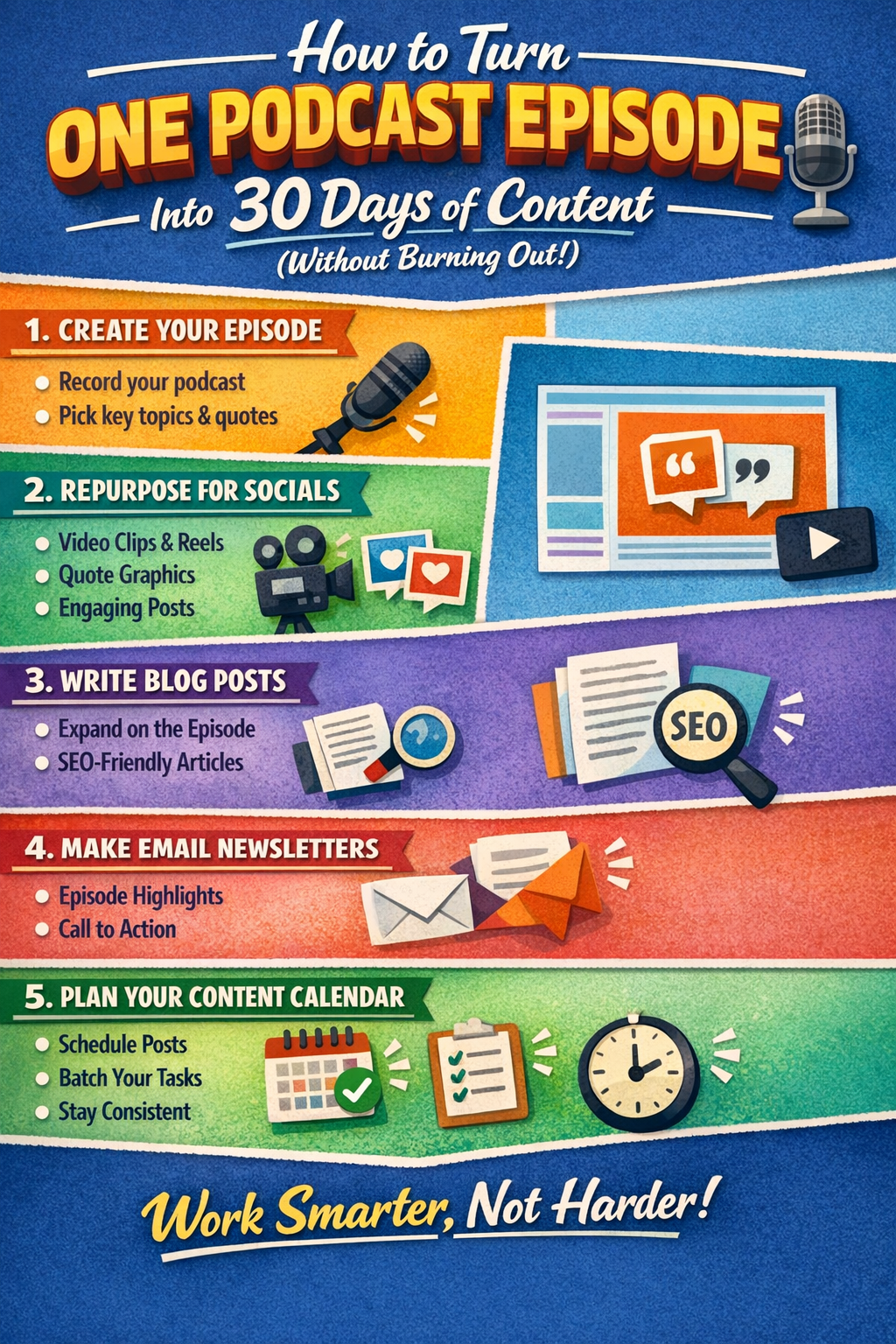
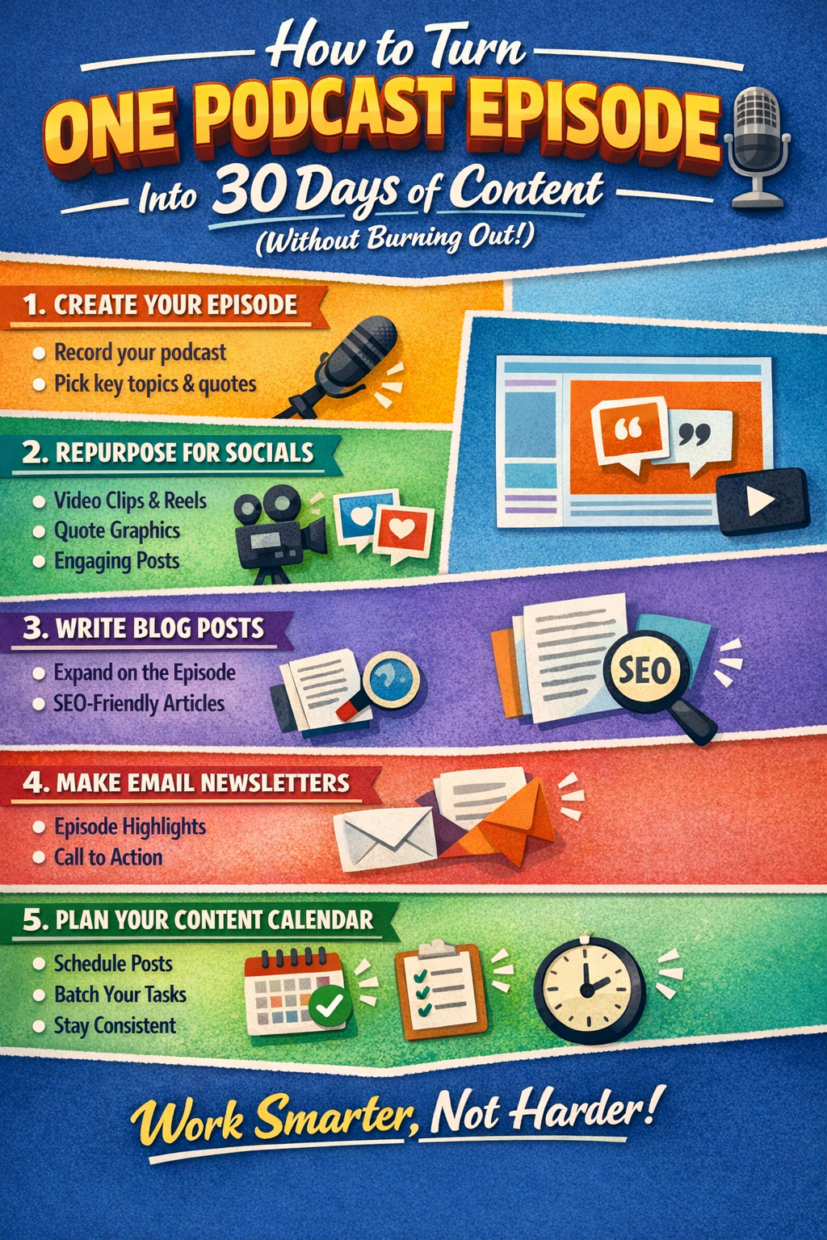
This article will show you how to transform one podcast episode into 30 days of content across multiple platforms—without burning out, without feeling like you’re spamming, and without requiring a content team.
The Value of Maximizing Every Episode
Let’s start with some real talk about the podcasting landscape. You’re competing for attention in a world where over 3 million podcasts exist and new episodes are published every second. Most listeners won’t discover your show through podcast directories alone—they’ll find you through social media, search engines, or word-of-mouth recommendations triggered by content they saw somewhere else.
This means your podcast needs to exist in multiple places, in multiple formats, reaching people where they already spend their time. A single audio file, no matter how brilliant, can’t do that alone.
But here’s the opportunity: every podcast episode contains enough material to support weeks of content marketing. Think about it. A 30-minute episode might include 10-15 distinct insights, 3-5 memorable quotes, several storytelling moments, actionable advice, and discussion-worthy ideas. Each of these elements can be extracted, reformatted, and shared in ways that serve different audience preferences and platform algorithms.
When you maximize each episode, several things happen. You extend the lifespan of your content far beyond publication day. You reach people who prefer reading over listening, or watching short videos over consuming long-form audio. You create multiple entry points for new audience members to discover your podcast. And you build topical authority as search engines and social algorithms recognize you as a consistent source of valuable content on your subject matter.
The best part? This doesn’t require creating new material from scratch. You’ve already done the hard work of research, thinking, and production. Repurposing is about reformatting and redistributing what already exists.
Why Podcasters Burn Out (And How to Avoid It)
Podcaster burnout is real, and it usually stems from the same few causes. The first is the relentless pressure to produce new episodes. If you’re committed to a weekly schedule, that’s 52 episodes per year—each requiring research, preparation, recording, editing, and promotion. That’s a lot of original thinking and creative output.
The second cause is trying to maintain presence on multiple platforms without a system. You know you should be on Instagram, LinkedIn, X (Twitter), YouTube, TikTok, your email list, and your blog—but creating unique content for each feels impossible. So you either half-heartedly post the same link everywhere or you neglect most platforms entirely.
The third cause is perfectionism. You want every piece of content to be polished, original, and brilliant. But perfectionism at that scale is unsustainable. You end up in a cycle of procrastination, last-minute scrambling, and eventual exhaustion.
The solution isn’t to work harder or produce more. It’s to work smarter by building a repurposing system that leverages what you’ve already created. When you stop treating each content piece as a separate project and start seeing them as variations of the same core material, content creation becomes exponentially more manageable.
Think of it like cooking. A chef who roasts a whole chicken doesn’t just serve it once and throw away the leftovers. They use the meat for sandwiches, the bones for stock, the drippings for gravy. Nothing goes to waste, and each meal feels intentional and complete. Your podcast content deserves the same approach.
The Repurposing Mindset: Thinking Beyond Audio
Before we dive into specific tactics, you need to shift how you think about your podcast. Your show isn’t just an audio product—it’s a content library. Every episode is raw material that can be transformed into multiple formats, each serving a different purpose and reaching a different segment of your audience.
The key is understanding that different people consume content in different ways, and the same person consumes content differently depending on context. Someone scrolling Instagram during their lunch break isn’t looking for a 45-minute podcast episode. They want something quick and visual. But that same person might save your blog post to read later, then eventually check out the full episode when they’re ready for deeper engagement.
This brings us to the 3-format rule: every piece of content should exist in audio, written, and visual forms. Audio is your podcast episode. Written content includes blog posts, email newsletters, LinkedIn articles, and social captions. Visual content encompasses video clips, graphics, audiograms, and carousel posts.
Why three formats? Because you’re meeting your audience where they are, matching their preferences and consumption contexts. Audio reaches commuters, gym-goers, and people doing household tasks. Written content serves readers, performs well in search engines, and provides shareable reference material. Visual content dominates social media feeds and captures attention from people who might never have sought out your podcast otherwise.
When you embrace this mindset, content creation stops feeling like an endless grind and starts feeling like strategic communication. You’re not creating more—you’re amplifying what you’ve already created.
30 Days of Content From One Episode
Now for the practical part. Here’s how to extract 30 days of content from a single podcast episode, organized by content type:
Social Snippets: Quotes, Soundbites, and Audiograms (Days 1-10)
Start by identifying 8-10 quotable moments from your episode. These are insights, one-liners, or provocative statements that stand alone without context. Turn each quote into a social media post with a visual background or an audiogram (animated waveform video with audio).
Day 1:
Post the most compelling quote from the episode as a teaser before it goes live.
Day 2-3:
Share audiogram clips on Instagram Reels, TikTok, and X. Days 4-7: Post individual quotes as graphics across platforms with captions that expand on the idea. Days 8-10: Resurface the best-performing quotes with different visual treatments or contexts.
Pro tip: Use tools like Headliner, Wavve, or Descript to create audiograms in minutes. Canva makes quote graphics effortless even if you’re not a designer.
Carousel Graphics: Key Takeaways for Instagram, X, and LinkedIn (Days 11-15)
Carousels are swipeable image posts that perform exceptionally well on Instagram and LinkedIn. Extract the main points from your episode and turn them into a 5-10 slide carousel. Each slide should present one idea clearly and visually.
Day 11:
“5 Key Lessons from [Episode Title]” carousel on Instagram.
Day 12:
Same carousel adapted for LinkedIn with a professional tone.
Day 13:
Break the carousel into individual slides and post them as standalone graphics on X.
Days 14-15:
Create a “Common Mistakes” or “Top Tips” carousel using examples from the episode.
Blog Post: Episode Notes Expanded Into a Full Article (Days 16-18)
Your podcast episode transcript or notes are the foundation for a blog post. But don’t just publish a transcript—transform it. Organize the content logically with headings and subheadings. Expand on points that were discussed briefly. Add context, links, and examples. Make it scannable with bullet points and formatting.
Day 16:
Publish the blog post on your website.
Day 17:
Share it on LinkedIn as an article.
Day 18:
Post excerpts from the blog with a link driving traffic back to your site.
Why this matters: Blog posts attract organic search traffic months and years after publication. Your podcast episode might be evergreen, but it’s hard to find. A well-optimized blog post acts as a discovery engine.
Email Newsletter: Themes and Mini Takeaways (Days 19-21)
Your email list is your most valuable audience—they’ve explicitly said they want to hear from you. Use your episode content to deliver value directly to their inbox.
Day 19:
Send a newsletter featuring the episode’s main theme with 3-4 key points and a link to listen.
Day 20:
Follow up with a “behind the scenes” email about what inspired the episode or what you learned while creating it.
Day 21:
Share listener responses or questions the episode raised, inviting further discussion.
Quotes and Micro-Content: Tweetable Insight Clips (Days 22-25)
Micro-content is short, snackable, and perfect for X (Twitter), LinkedIn, and Facebook. Pull single sentences or short paragraphs that deliver immediate value.
Days 22-25:
Post one micro-insight per day on X or LinkedIn. Frame them as standalone thoughts, not just as podcast promotion. For example: “Most creators burn out because they treat every piece of content as a separate project. The solution? Build once, distribute everywhere.” Then add: “More about this on the latest podcast episode—link in bio.”
Short-Form Video Content: Reels, Shorts, TikToks (Days 26-28)
Video content is king on social media. Extract 30-60 second clips from your episode and turn them into vertical videos for Instagram Reels, YouTube Shorts, and TikTok.
Day 26:
Post a clip addressing a common question or objection related to your topic.
Day 27:
Share a storytelling moment or personal anecdote from the episode.
Day 28:
Post a “before and after” or transformation insight.
These videos don’t need fancy editing. A simple caption overlay and trimmed audio clip is enough. The goal is to spark curiosity and drive people to the full episode.
Discussion Questions: Community Engagement Prompts (Days 29-30)
End the month by inviting your audience into the conversation. Pull thought-provoking questions from the episode and pose them to your community.
Day 29:
Post an open-ended question on Instagram Stories, LinkedIn, or X asking for audience perspectives on the episode’s main theme.
Day 30:
Share selected responses (with permission) and add your commentary, closing the loop on the episode’s ideas while building community.
Tools to Make It Easier
Repurposing doesn’t require expensive software or a team. Here are the essential tools that make this process manageable:
Descript: This is the Swiss Army knife of podcast repurposing. Descript transcribes your audio automatically, lets you edit the audio by editing the text (like a document), and allows you to create audiograms and video clips with captions. You can export clips in multiple formats optimized for different platforms. It’s a game-changer for podcasters.
Otter.ai: If you just need accurate transcription without the editing features, Otter.ai is fast, affordable, and accurate. Use the transcript as the foundation for blog posts and written content.
Canva: For creating quote graphics, carousel posts, and visual content, Canva is unbeatable. It has templates for every social platform, and you don’t need design skills to create professional-looking content. Canva Pro adds features like background remover and brand kits that streamline your workflow even further.
Headliner or Wavve: These tools specialize in audiograms—animated waveform videos you see on social media with audio snippets. Upload your clip, choose a template, add captions, and export. Simple and effective.
Buffer or Later: Once you’ve created your content, you need to schedule it strategically. Buffer and Later are social media scheduling tools that let you plan posts in advance, ensuring consistent presence without daily manual posting.
Notion or Airtable: Use these as your content calendar and tracking system. Build a database of your episodes with extracted quotes, themes, and content pieces. This becomes your library for future repurposing.
The investment in these tools pays for itself in time saved and content quality. But remember: tools are enablers, not magic solutions. The system matters more than the software.
Workflow Example: A Simple Weekly Schedule That Saves Time
Let’s make this concrete with a realistic workflow. Here’s how you might structure your week to implement this repurposing system without overwhelm:
Monday (Episode Release Day):
Publish your podcast episode. Share the episode link on all platforms with a compelling caption. Post an audiogram teaser on Instagram and LinkedIn. Send an email to your list announcing the episode.
Tuesday (Content Creation Block):
Dedicate 2-3 hours to extracting and creating repurposed content. Use Descript to pull 8-10 quotes and 3-4 video clips. Create 5 quote graphics in Canva. Design one carousel post. Extract key points for your blog post outline.
Wednesday (Writing Day):
Transform your transcript and notes into a blog post. Edit and optimize it for SEO. Schedule it to publish later in the week. Draft your email newsletter pulling themes from the episode.
Thursday (Scheduling Day):
Load all your created content into your scheduler (Buffer or Later, or whatever you use). Plan the distribution across the next 3-4 weeks. Schedule blog posts to go live. Set up your newsletter to send.
Friday (Community Engagement):
Respond to comments and messages from the week. Share listener feedback or interesting discussions sparked by the episode. Post a discussion question or poll related to the episode’s theme.
This workflow front-loads the work into the first half of the week, then automates distribution. You’re creating a month’s worth of social content in a single 2-3 hour session, then scheduling it to roll out gradually. The rest of the month, you’re engaging with your audience, not scrambling to create new content.
The key is batching. Don’t create content piece by piece throughout the month. Create it all at once when you’re in the flow, then distribute strategically over time.
Your Next Step: Start Repurposing Today
You don’t need to implement all 30 content pieces at once. Start small. Pick your most recent episode and commit to extracting just five pieces of content: two quote graphics, one video clip, one blog post, and one email. See how it feels. Track the engagement. Refine your process.
The goal isn’t perfection—it’s consistency and leverage. Every minute you invest in repurposing multiplies the return on the time you spent creating that original episode.
Ready to hear more strategies like this? Listen to the latest Hill of Justice Podcast episode where we break down exactly how we structure our content to maximize reach without burning out. Check out our show notes and resources at hillofjustice.com for templates, tool recommendations, and more actionable content strategies.

Quick Links
© Hill of Justice 2026. All Rights Reserved. Powered by Jerome Hill
Be the first to leave a comment